 moosik
Use a different Moosik theme for day and night
Choose separate light and dark palettes, follow your system appearance, or make a small custom theme.
You can use a light player during the day and keep a different dark palette ready for the evening. Moosik remembers one choice for each mode, so changing your system appearance can switch the entire player without another trip to Settings.
Set up both palettes
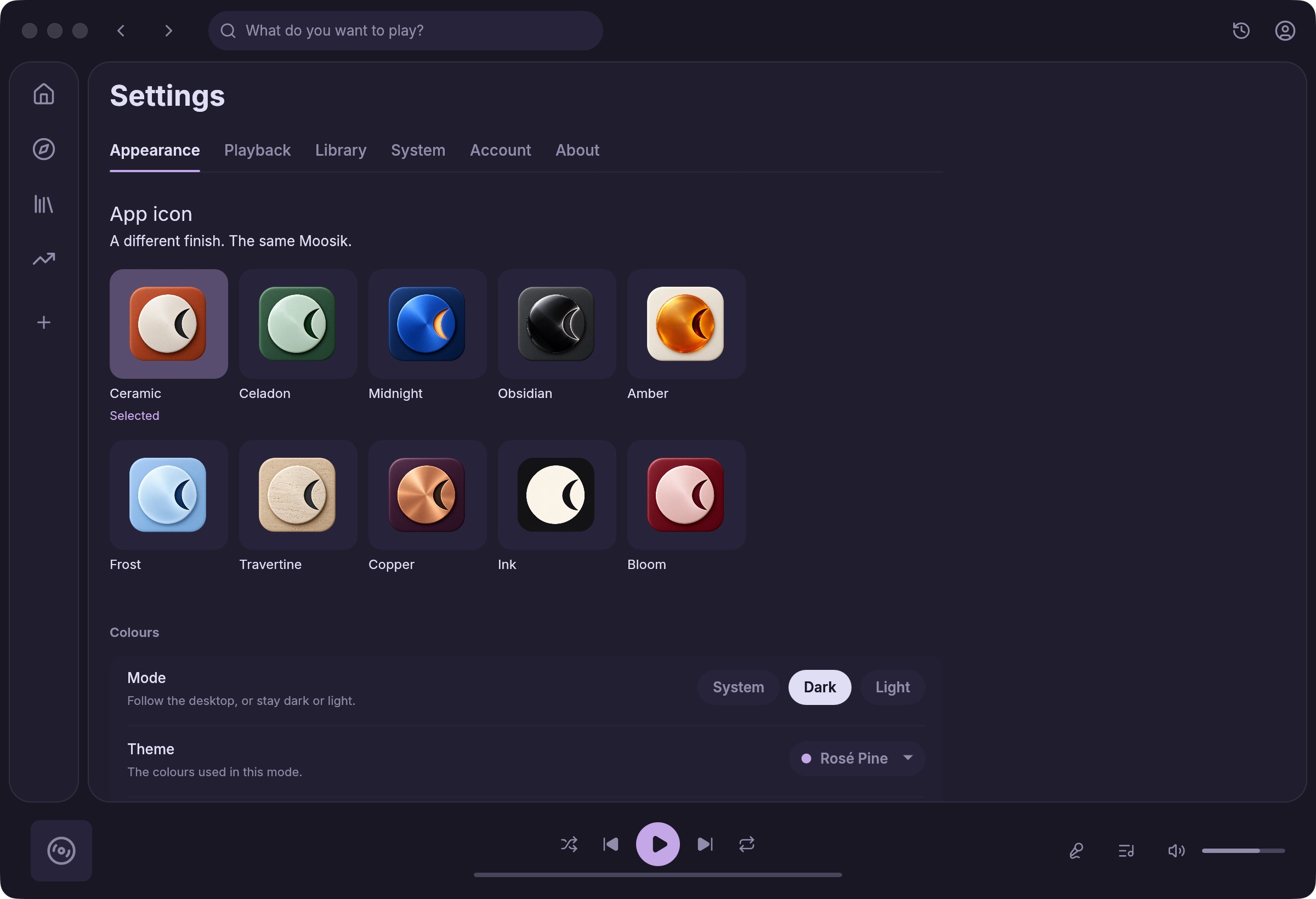
- Open Settings → Appearance → Colours. Set Mode to Light, then choose a light palette under Theme, such as Catppuccin Latte.
- Switch Mode to Dark and choose a dark palette, such as Catppuccin Mocha. The menu shows themes for the currently selected mode.
- Choose System to follow the computer’s appearance. If you prefer one palette all day, leave the matching Light or Dark mode selected.
Try a color of your own
Under Your own themes, choose Open folder. Copy a theme file before editing and give the copy a distinct name. For a small change, edit only its --accent color and keep the existing --base, --text and color-scheme declarations. Save the file and return to Moosik, then pick the copy by name. If it is missing from the list, check that the file’s light or dark scheme matches the current mode. Supported theme colors and file format.